Everything Lovable PDF does
Every tool below works in the web reader, free, with nothing to install.
Read
Sharp, fast rendering
Pages render in tiles as you scroll and zoom, so large files stay smooth.
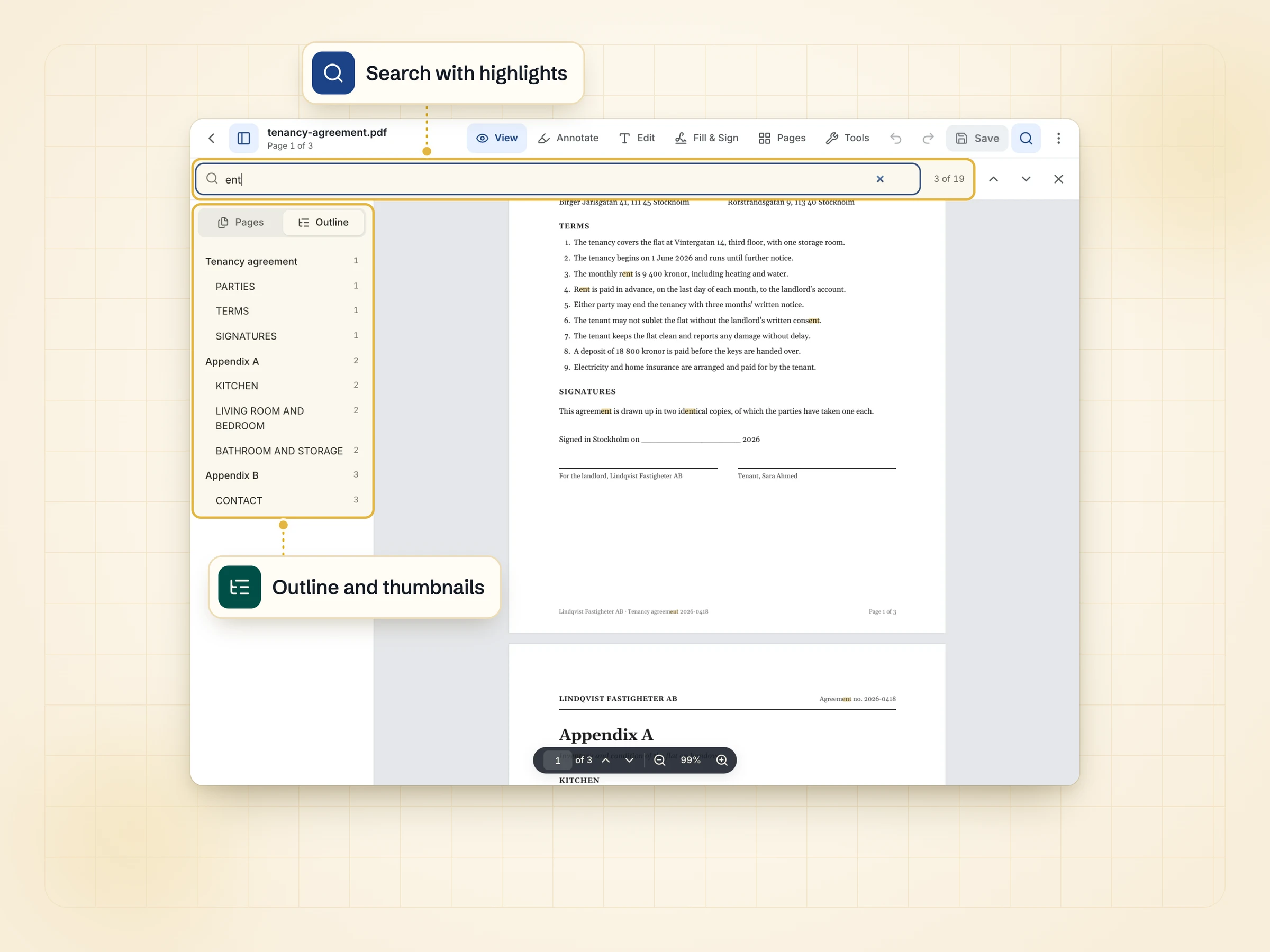
Search with highlights
Find every match across the document and step through them.
Outline and thumbnails
Jump by chapter or by page.
Password-protected PDFs
Unlock files on your device; the password never leaves it.
Share and print
Send the original file or print it, untouched.
Edit text
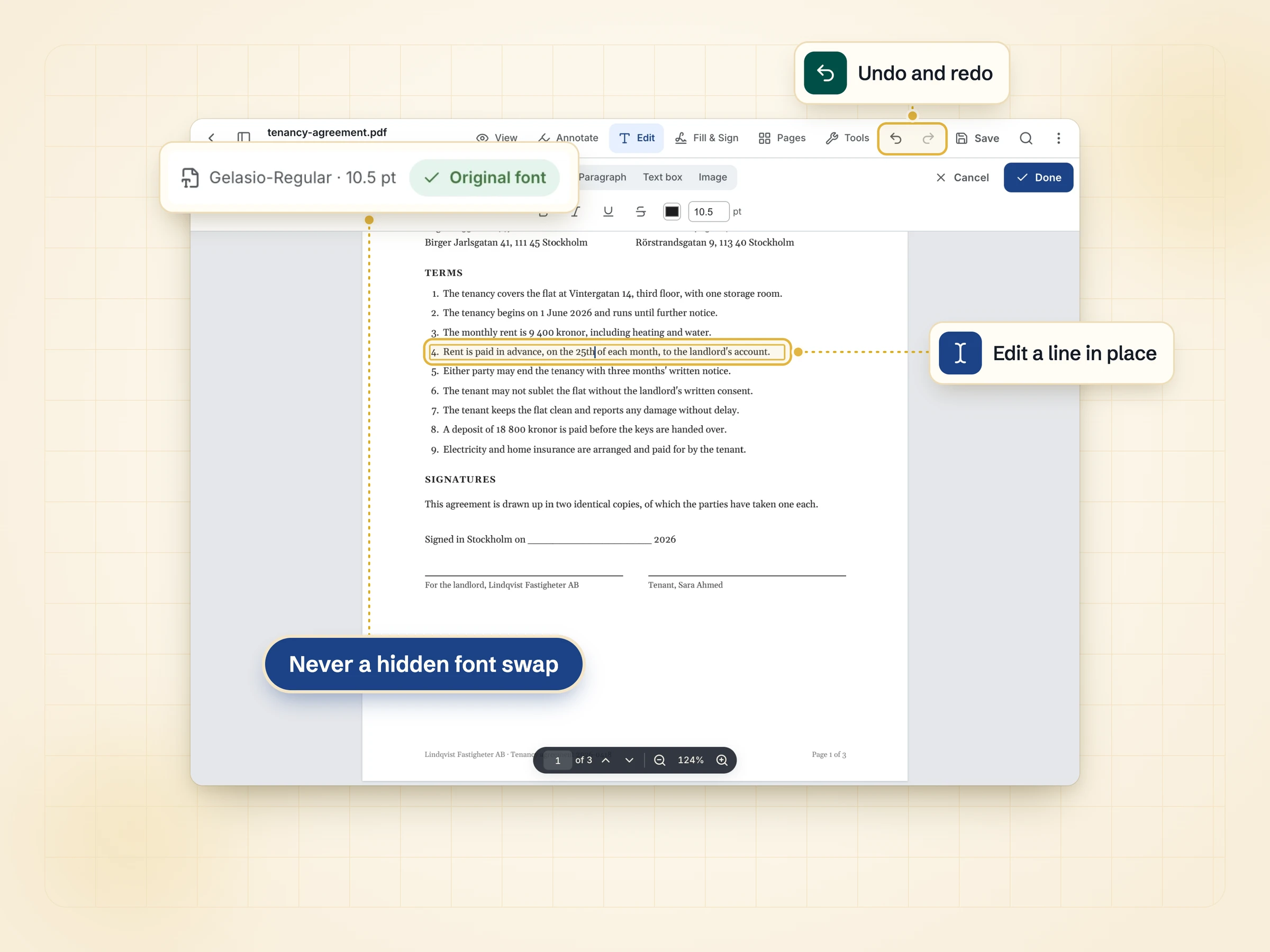
Line editing in the original font
Tap a line, type, done. The font, size and spacing match.
Paragraph editing
Longer changes reflow the paragraph using its original justification.
Font honesty badges
If a substitute font is ever needed, the line is marked with the reason.
New text in a document font
Add a text box that matches the rest of the page.
Undo and redo
Every edit can be taken back, step by step.
Annotate
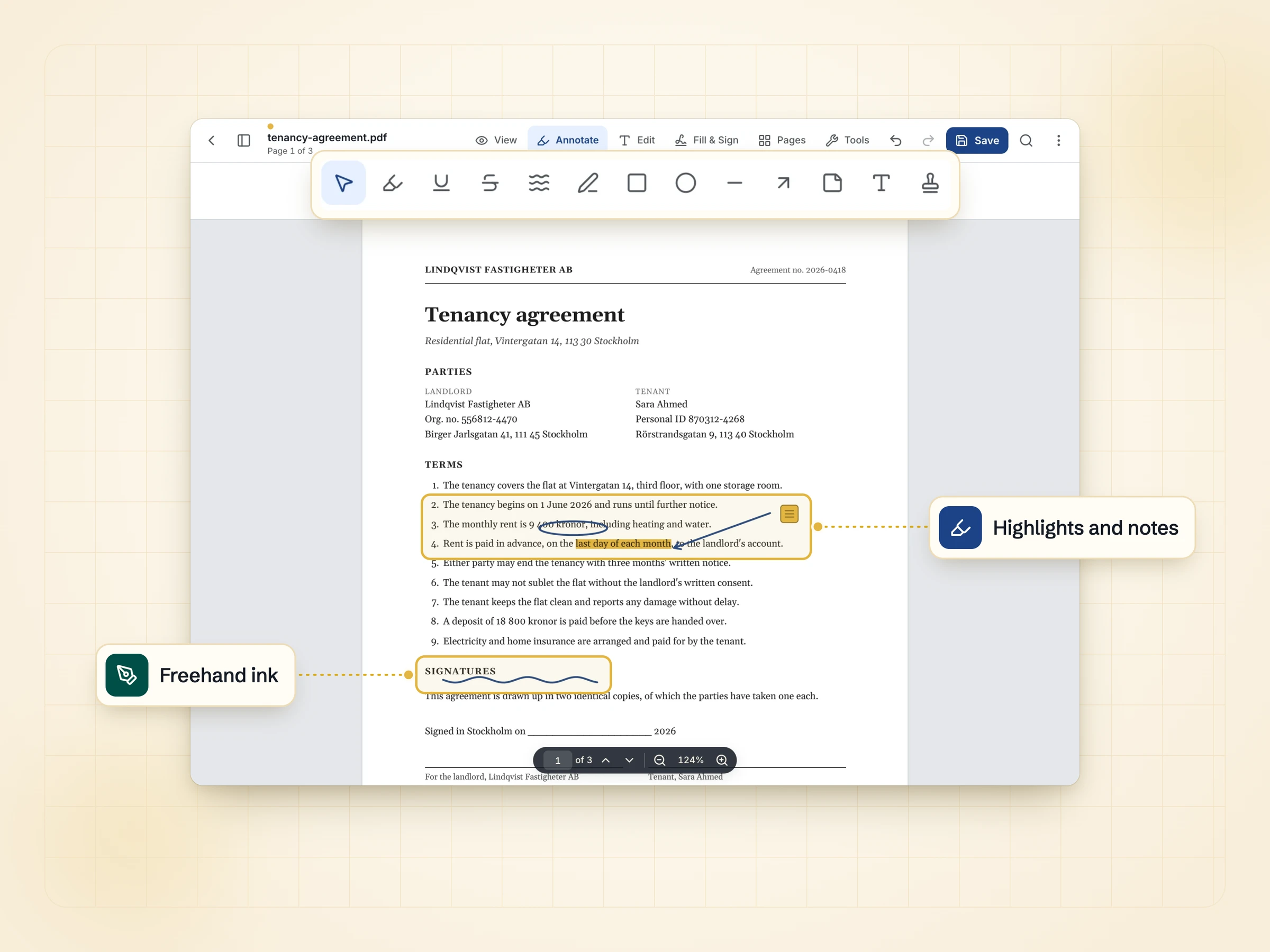
Highlight, underline, strike out
Mark up text that looks the same in every PDF viewer.
Ink and shapes
Draw with pressure, add lines, arrows, boxes and circles.
Notes and free text
Comment anywhere on the page.
Stamps
Approved, draft, or your own image.
Fill and sign
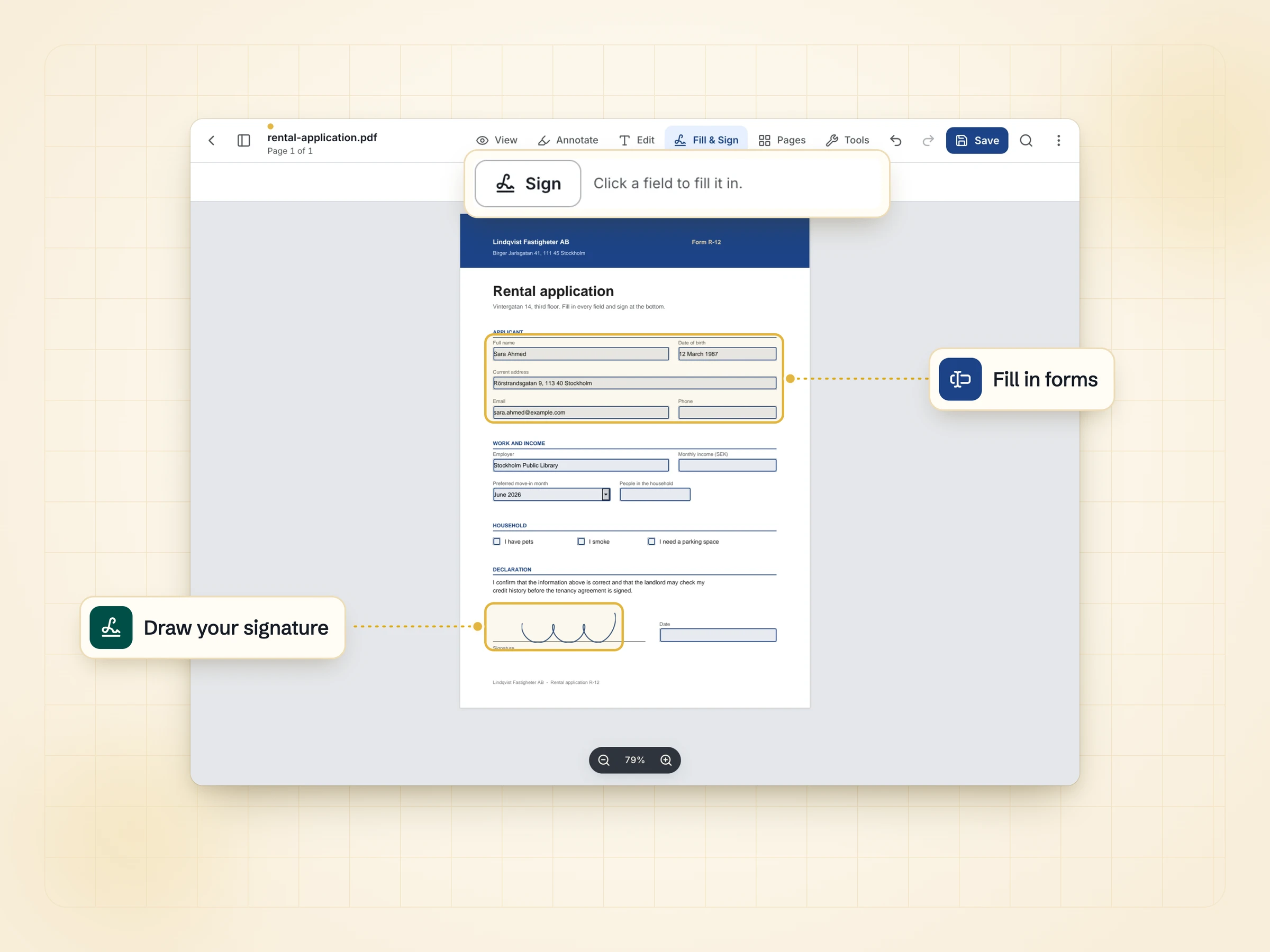
Fill in forms
Type into form fields with your own keyboard.
Signatures
Draw or import your signature and place it anywhere.
Organise pages
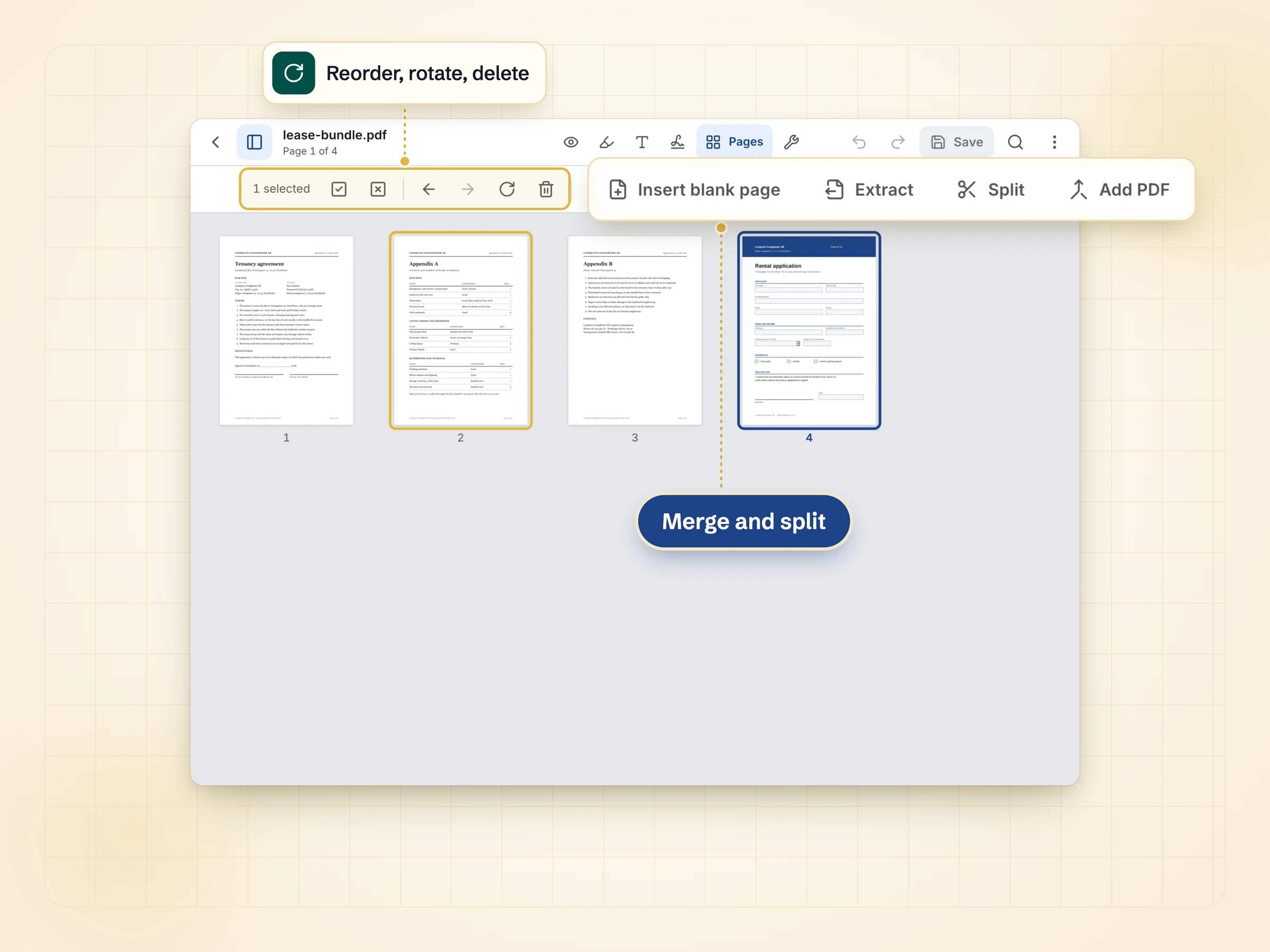
Reorder, rotate, delete
Drag pages into place in a thumbnail grid.
Merge and split
Combine files or extract the pages you need.
Images to PDF
Turn photos into a tidy document.
Scan, protect and more
Scan documents
Use your camera to capture paper as a clean PDF.
Text recognition
Make scanned pages searchable.
Password protection
Lock a file with strong encryption before you send it.
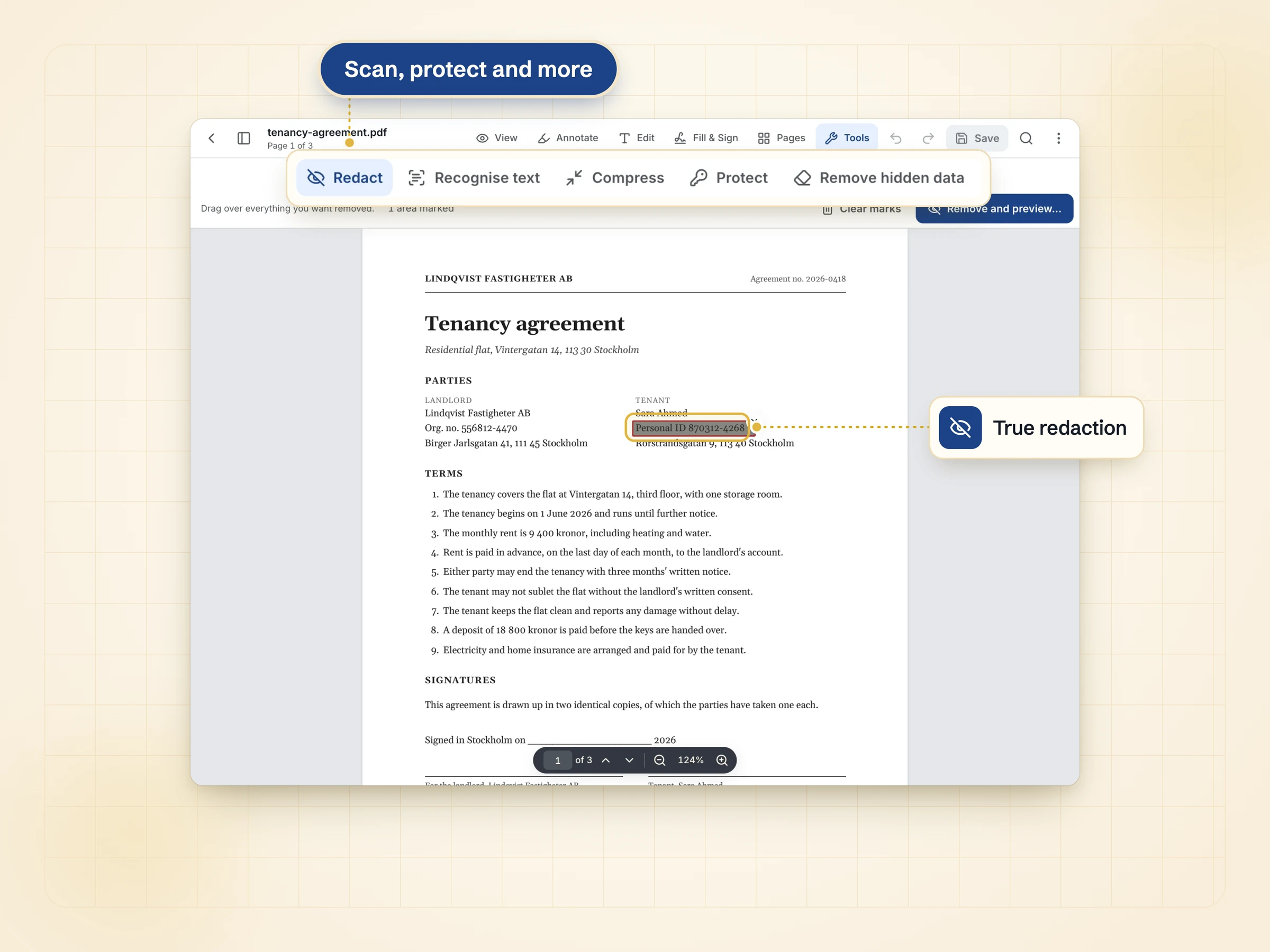
True redaction
Remove sensitive text from the file, not just paint over it.
Compress
Make large files smaller to share.