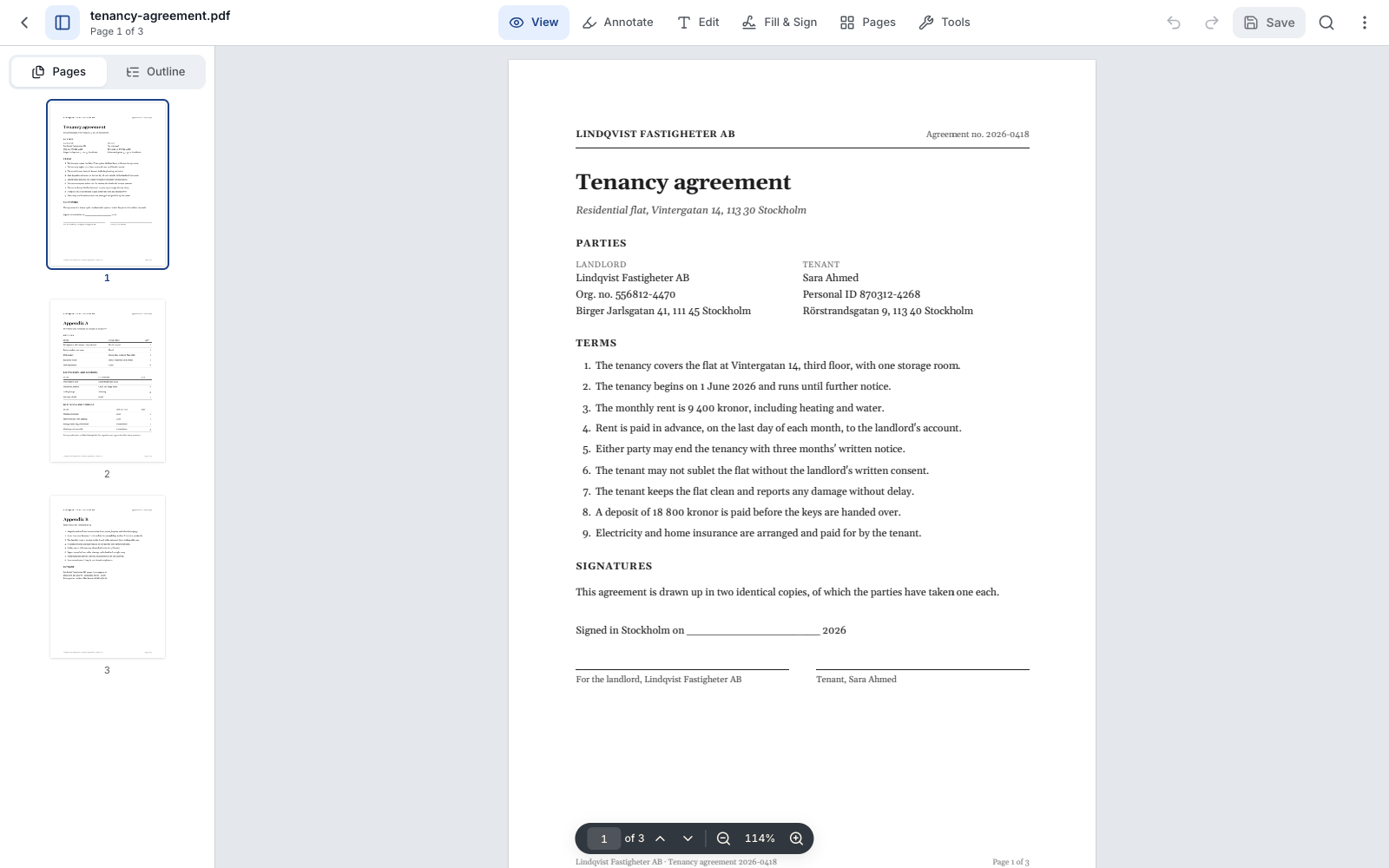
Web reader
Works in current Chrome, Edge, Firefox and Safari on any computer, tablet or phone.
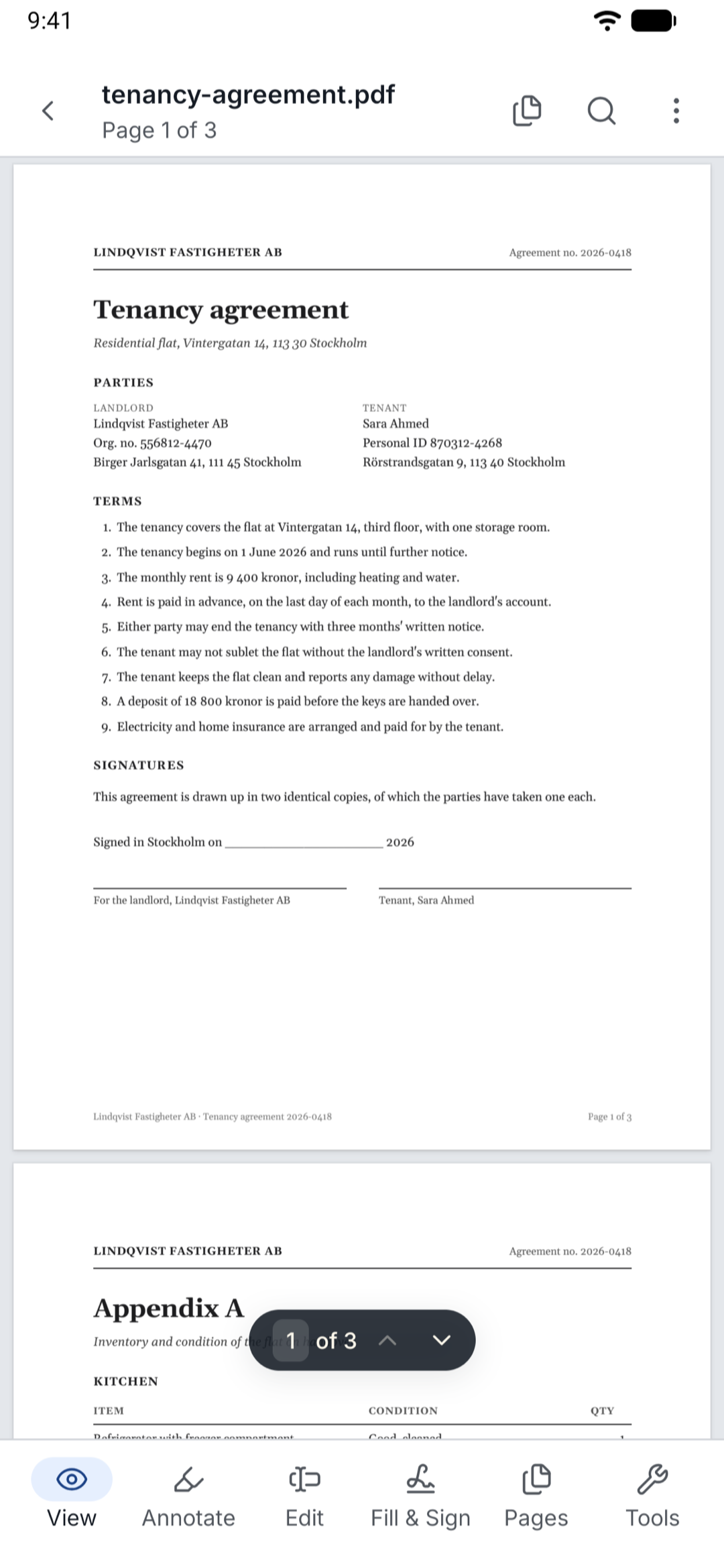
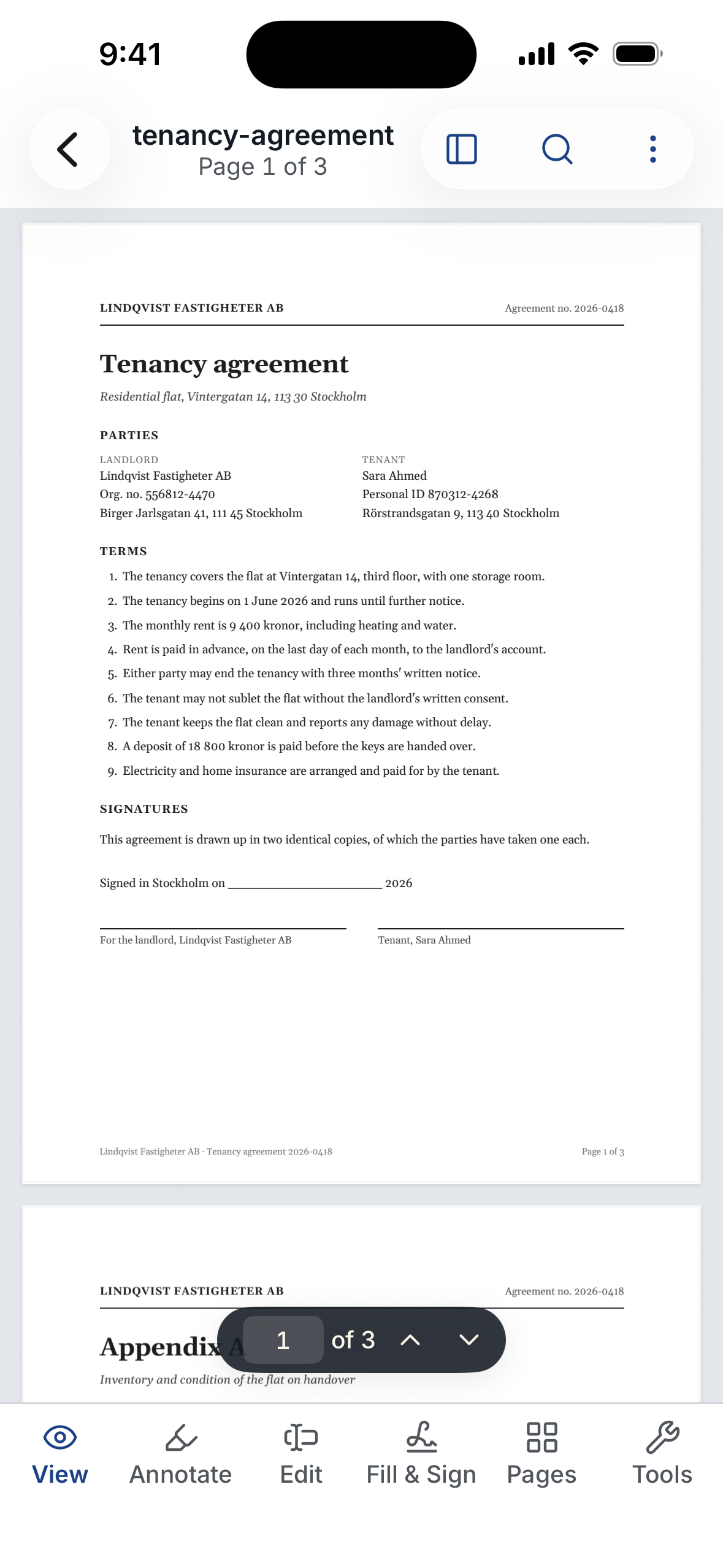
Phone and tablet apps
Native apps that use your own keyboard, share sheet and file picker.
- Android

- iPhone and iPad

Install the web reader as an app
Add Lovable PDF to your home screen or dock so it opens like an app and handles PDFs you open with it.
Chrome or Edge on a computer
- Open the web reader
- Choose the install icon at the end of the address bar
- Confirm with Install
Safari on iPhone or iPad
- Open the web reader in Safari
- Tap Share
- Tap Add to Home Screen
Chrome on Android
- Open the web reader
- Tap the menu
- Tap Install app